针对Claude Code CLI用户在Ubuntu终端的使用痛点,文章提供了实用的解决方案。针对换行输入失效问题,推荐使用Ctrl+J或Alt+V,并可开启Vim编辑器模式。此外,通过安装xclip工具,用户可实现Ctrl+V直接粘贴图片,极大提升了在终端与图形界面间交互的效率,优化了AI辅助编程的工作流。
原文链接:Linux.do
针对Claude Code CLI用户在Ubuntu终端的使用痛点,文章提供了实用的解决方案。针对换行输入失效问题,推荐使用Ctrl+J或Alt+V,并可开启Vim编辑器模式。此外,通过安装xclip工具,用户可实现Ctrl+V直接粘贴图片,极大提升了在终端与图形界面间交互的效率,优化了AI辅助编程的工作流。
原文链接:Linux.do








 AI周刊:大模型、智能体与产业动态追踪
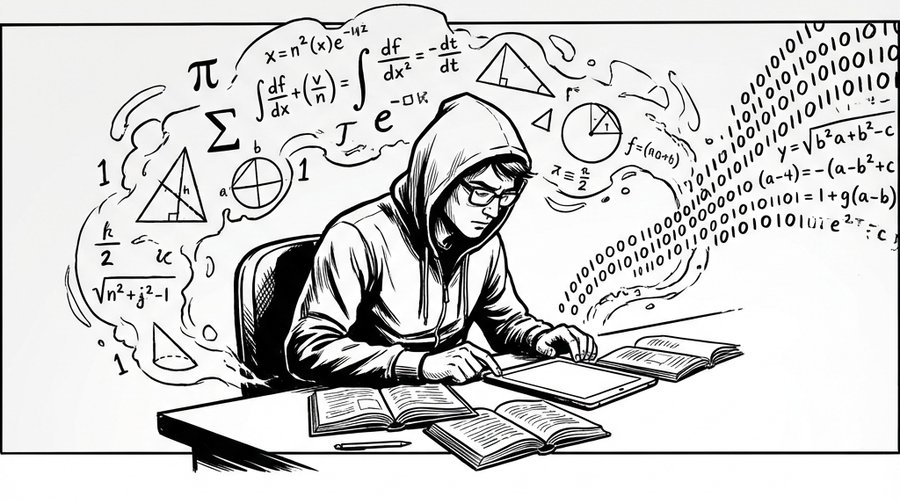 程序员数学扫盲课
 冲浪推荐:AI工具与技术精选导航
 Claude Code 全体系指南:AI 编程智能体实战
最新评论
i2znfo
Your point of view caught my eye and was very interesting. Thanks. I have a question for you.
Thanks for sharing. I read many of your blog posts, cool, your blog is very good. https://www.binance.info/register?ref=IHJUI7TF
Everyone loves what you guys tend to be up too. This sort of clever work and coverage! Keep up the excellent works guys I've incorporated you guys to blogroll.
handwritten synonym
Your article helped me a lot, is there any more related content? Thanks! https://www.binance.info/sl/register?ref=GQ1JXNRE
Can you be more specific about the content of your article? After reading it, I still have some doubts. Hope you can help me. https://accounts.binance.info/en/register-person?ref=JHQQKNKN
Thanks for sharing. I read many of your blog posts, cool, your blog is very good. https://accounts.binance.info/register-person?ref=IXBIAFVY