Download DockerDeskTop
The procedures utilize Alibaba Cloud's Kubernetes GitHub project, offering practical insights for developers working
with containerized applications in a Mac environment."
https://www.docker.com/products/docker-desktop/
Use ALiYun K8s for deskTop
git clone https://github.com/AliyunContainerService/k8s-for-docker-desktop.git
cd k8s-for-docker-desktop

./load_images.sh
Change user Context
kubectl config use-context docker-desktop
GetClusterInfo
kubectl cluster-info
kubectl get nodes
CreateDashboard
kubectl create -f kubernetes-dashboard.yaml
kubectl get pod -n kubernetes-dashboard
kubectl proxy
BuildToken
kubectl apply -f kube-system-default.yaml
TOKEN=$(kubectl -n kube-system describe secret default| awk '$1=="token:"{print $2}')
kubectl config set-credentials docker-desktop --token="${TOKEN}"
echo $TOKEN
Dashboard Login
http://localhost:8001/api/v1/namespaces/kubernetes-dashboard/services/https:kubernetes-dashboard:/proxy/#/login
Quote
pre code{
white-space: pre;
}


 AI周刊:大模型、智能体与产业动态追踪
 程序员数学扫盲课
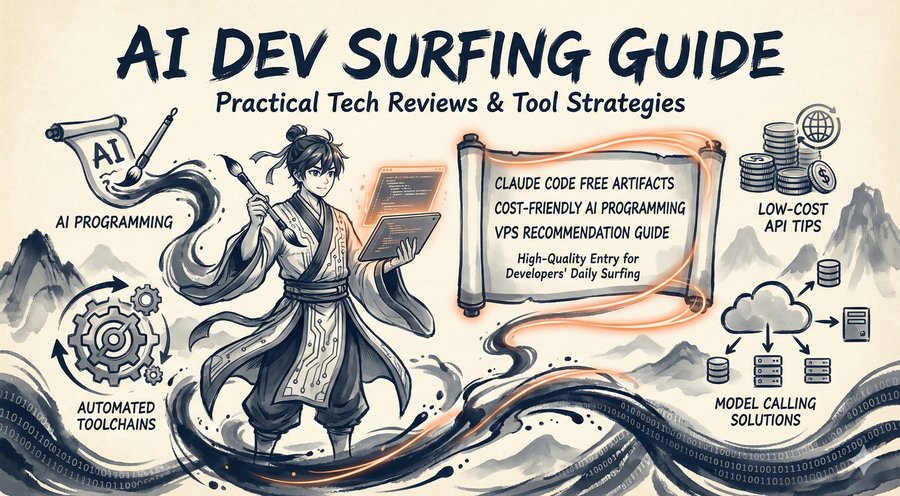 冲浪推荐:AI工具与技术精选导航
 Claude Code 全体系指南:AI 编程智能体实战
最新评论
Flash版本的响应速度确实提升明显,但我在使用中发现对中文的理解偶尔会出现一些奇怪的错误,不知道是不是普遍现象?
遇到过类似问题,最后发现是网络环境的问题。建议加一个超时重试机制的示例代码。
谢谢分享,我是通过ChatGPT的索引找到这里来的。
十年打磨一个游戏确实罕见,这种专注度在快节奏的游戏行业很难得。从Braid到The Witness,每作都是精品。
快捷键冲突是个很实际的问题,我自己也被这个问题困扰过。最后通过自定义快捷键组合解决了。
会议摘要这个功能很实用,特别是对经常需要参加长会议的人。不过三次免费使用确实有点少了。
硕士背景转AI基础设施,这个路径其实挺常见的。建议多关注底层系统知识,而不只是模型应用层面。
配置虽然简单,但建议补充一下认证和加密的注意事项,避免被中间人攻击。